Follow
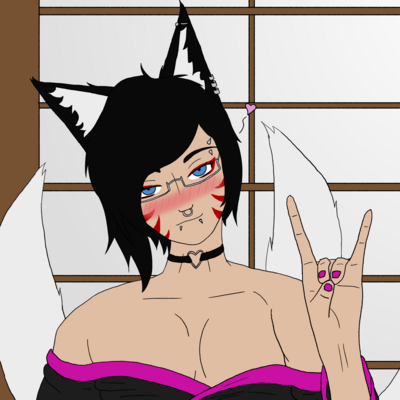
You know, it's funny. I've been using Krita for almost 10 years, and only tonight did I find out about the horizontal mirroring shortcut. On accident, at that. I accidentally hit "m" instead of "b" trying to switch back to the brush tool. It's certainly made the line art I'm working on a lot easier! Maybe I should take the time to actually learn the software I use...
I should probably make clear, these buttons mirror your brush strokes across a line. Whatever you draw on one side will also be drawn on the other. The shortcut I found tonight flips the canvas. Two different mirror tools.
This is after finding out the other day what these buttons did. I've been working on a vtuber model, and was looking for a tool that would mirror my brush strokes horizontally. Turns out, it's been sitting up there for the past 10 years and I just never paid any attention to it. Go figure.