
Ariel Millennium Thornton @arielmt@computerfairi.es
- Pronouns
- she
- Species
- feline/phoenix (shifts at will between them)
- Fairy wand currently on
- GEOS programming guide
- Website
- https://thornton2.com/ArielMT
Admin
✨ Kind 'Net Help Desk fairy by day. ✨
✨ Weird & furry Unix fairy by night. ✨
✨ Sometimes a retrocomputer fairy. ✨
✨ Pays the ComputerFairi.es bills. ✨
✨ Sparkly✨shellscript✨princess. ✨
✨ Age: Mere days younger than ✨
✨ the Intel 4004 & Unix 1st Edition. ✨
✨ Follow requests welcome. ✨
✨ 
 ✨
✨
Joined May 2017
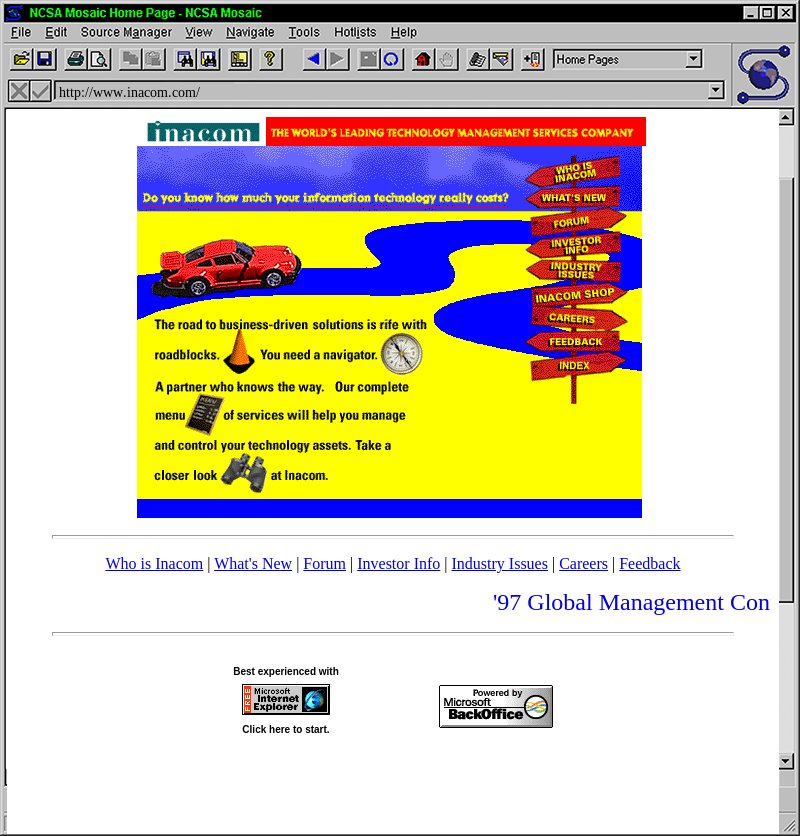
LB: https://muffin.industries/@wayback_exe/117078727925053115
Blue and Hot Dog Stand themed website.
Ariel Millennium Thornton
boosted

Thanks for reminding me, Learn.Microsoft.Com, that I needed to do this on my workstation's #Firefox as well:
1. Go to about:config
2. Search for the setting: layout.css.scrollbar-width-thin.disabled
2.a. Just searching for "thin" should be enough to find the setting.
3. Toggle from "false" (its default) to "true".
Reload the page whose front end designers made the scrollbars thin, to get proper normal scrollbars on it.
Every OS sucks, including my favorite.
Ariel Millennium Thornton
boosted

Ariel Millennium Thornton
boosted


If you need to deactivate half of the system setting, uninstall dozen of useless pre installed stuff, get into registry and/or group policies just to make Windows 11 acceptably annoying, then the whole "yeah but Linux is harder to setup" has poorly aged pretty fast.
- Pronouns
- she
- Species
- feline/phoenix (shifts at will between them)
- Fairy wand currently on
- GEOS programming guide
- Website
- https://thornton2.com/ArielMT
Admin
✨ Kind 'Net Help Desk fairy by day. ✨
✨ Weird & furry Unix fairy by night. ✨
✨ Sometimes a retrocomputer fairy. ✨
✨ Pays the ComputerFairi.es bills. ✨
✨ Sparkly✨shellscript✨princess. ✨
✨ Age: Mere days younger than ✨
✨ the Intel 4004 & Unix 1st Edition. ✨
✨ Follow requests welcome. ✨
✨ ✨
Joined May 2017